
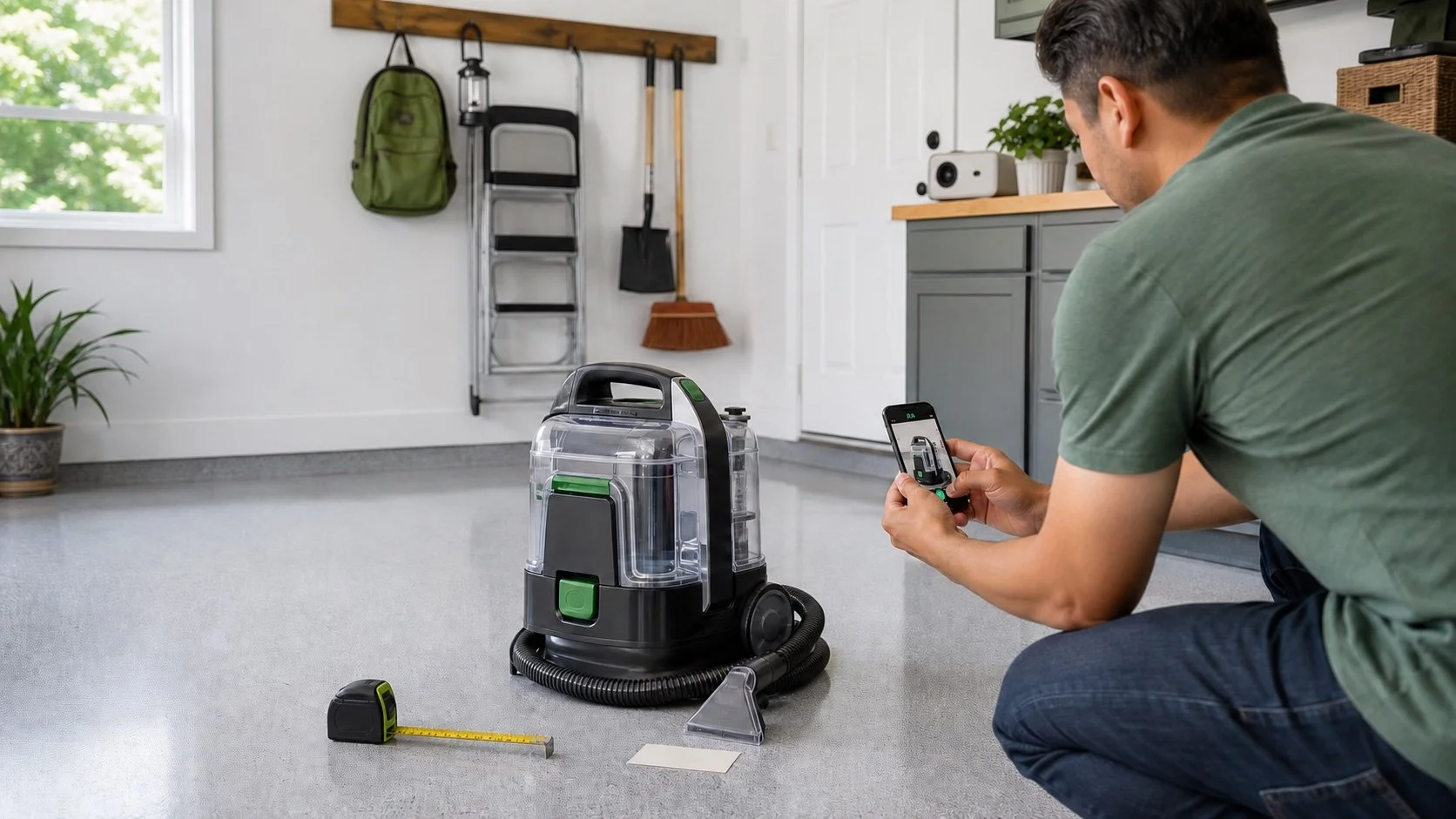
What You Will Need
- A verified Rent Anything account
- An approved category and product
- One to four clear product photos
- Brand, condition, description, and pickup information
- Hourly, daily, weekly, and monthly prices
- A refundable deposit amount
Model information is optional. All products must follow the User Policy, Terms of Service, and Prohibited Items List.
From Listing To Return
1. Create The Listing
Search by product or category, select the correct approved result, and complete the required details.
2. Review Rental Requests
Open each request before deciding whether to accept or decline it.
3. Manage Availability
Listings move through Available, Requested, Upcoming, Active, and Paused stages so their current status stays clear.
4. Complete The Return
After a successful return, complete the review to make the product available again. Pause or remove a product when you no longer want it listed.
Rent Anything does not guarantee requests, rental frequency, earnings, product condition, or renter performance.