
How Rent Anything Works
One account lets you rent from others, list your own products, or do both.
Renting To Others
1. Create A Clear Listing
Choose an approved product, add one to four photos, describe its condition, and enter hourly, daily, weekly, and monthly pricing.
2. Review Requests
Open each requested listing to review the renter's timing and order details before accepting or declining it.
3. Prepare For Pickup
Accepted rentals move to Upcoming Listings. Pickup information remains private and is shared only for the approved exchange.
4. Confirm The Handoff
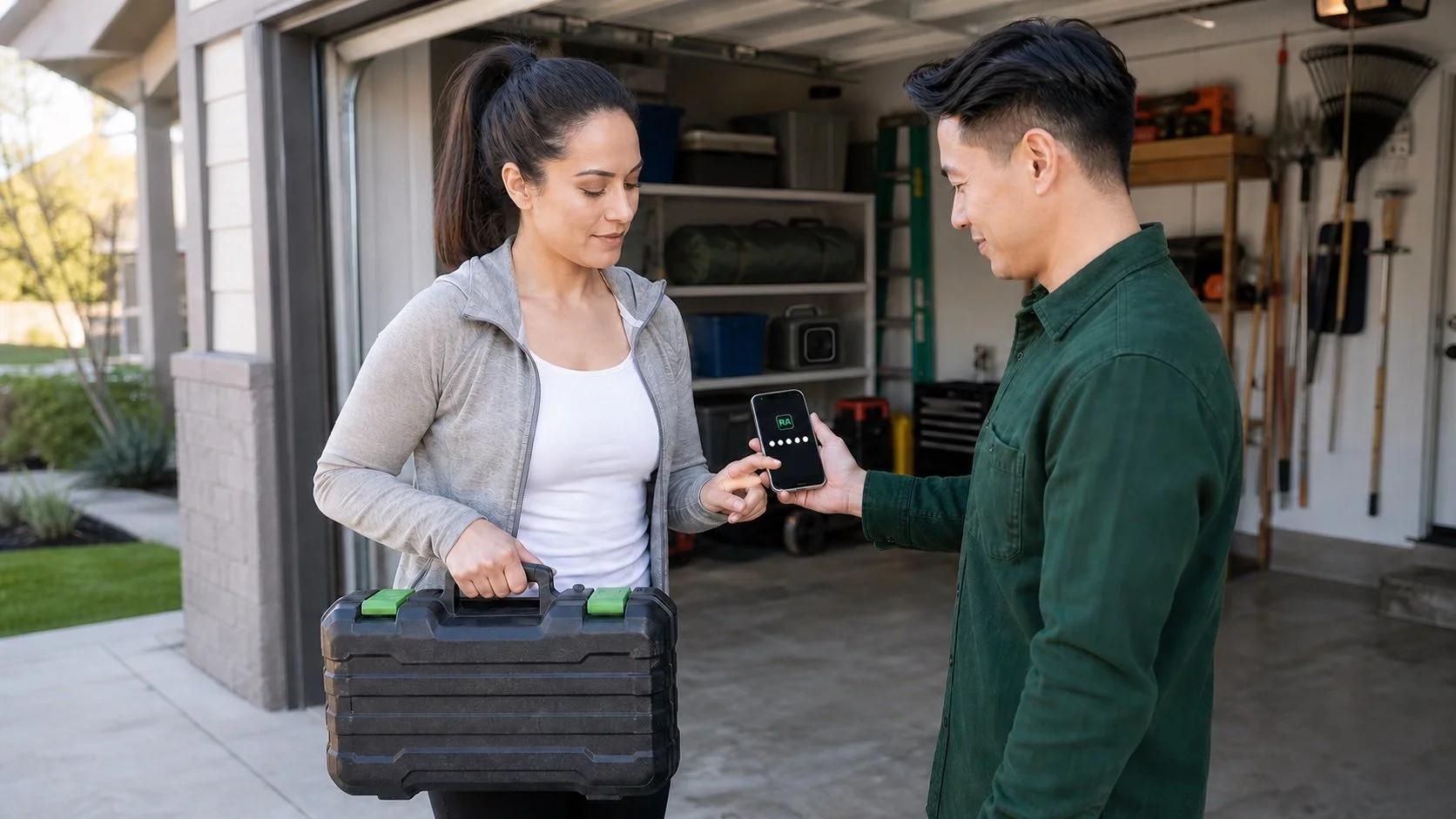
Provide the pickup code when the renter arrives. After pickup, the rental moves to Active Listings and the separate drop-off code becomes available for the return.
5. Review The Return
After the renter submits the return, inspect the product and select Return Completed or Dispute Return. Completing the return makes the product available again and starts the applicable payout process.
Renting From Others
1. Create And Verify Your Account
Complete your account information, email verification, identity verification, and required policy acknowledgments.
2. Find The Right Product
Search nationwide or narrow results by product, category, price, and distance.
3. Request The Rental
Choose an available hourly, daily, weekly, or monthly option, select the rental timing, and provide a valid payment method. The app shows the applicable charges before confirmation.
4. Begin At Pickup
After the owner approves the request, the renter receives private pickup details. Entering the owner's pickup code confirms the handoff and starts the rental.
5. Complete The Return
At drop-off, enter the separate drop-off code provided by the owner. The owner then has 24 hours to complete the return or open a dispute. A completed return triggers the applicable deposit refund process.